Adobe Acrobat Turns PDFs Into AI-Powered Workspaces
Adobe revolutionizes document sharing with PDF Spaces, transforming static files into interactive AI workspaces complete with chatbots, summaries, and audio overviews for recipients.

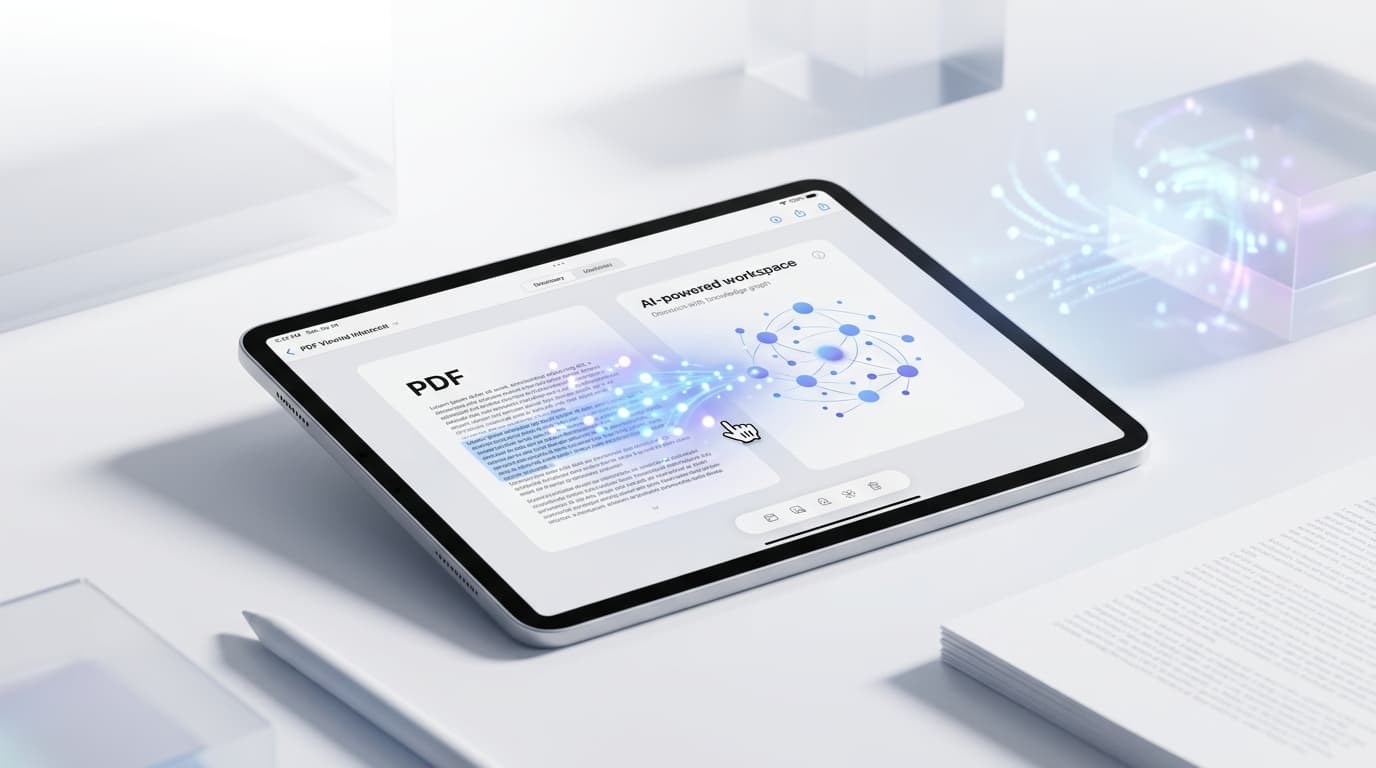
Adobe Acrobat Now Lets Users Turn PDFs Into Shareable AI-Powered Workspaces
Learn more about dnssec disruption affecting .de domains - resolved
Document sharing has remained largely unchanged for decades, but Adobe is rewriting the rules. The company's latest update to Acrobat introduces PDF Spaces, a feature that transforms static documents into interactive, AI-enhanced collaboration hubs. Instead of sending a lifeless attachment, users now create dynamic workspaces complete with AI summaries, audio overviews, and custom chatbots.
This shift represents Adobe's ambitious attempt to modernize how professionals share and consume information. The new capabilities position PDF Spaces as a direct competitor to collaborative platforms like Notion and Google Docs, while maintaining the universal accessibility that made PDFs the standard for document sharing.
What Are PDF Spaces and How Do They Transform Document Sharing?
PDF Spaces transforms traditional document sharing into an interactive experience. When you share a PDF through this new feature, recipients don't just receive a file. They get access to a branded workspace that includes AI-generated insights, conversational interfaces, and multimedia elements.
The feature leverages Adobe's Firefly AI technology to analyze document content automatically. Within seconds, the system generates comprehensive summaries, identifies key themes, and creates an interactive chatbot trained on the document's specific content. Recipients ask questions, jump to relevant sections, and digest information at their own pace.
Adobe designed PDF Spaces to work seamlessly across devices without requiring recipients to install software. Users access these enhanced workspaces through a web browser, removing traditional barriers to collaboration.
What Features Make Adobe PDF Spaces Different From Traditional Sharing?
The rollout includes several standout features that distinguish PDF Spaces from conventional document sharing:
AI-Powered Summaries: The system automatically generates concise overviews highlighting the document's main points. These summaries adapt based on document length and complexity, saving recipients valuable time.
For a deep dive on gpt-5.5 instant memory sources: what enterprises need to ..., see our full guide
Audio Overviews: Users listen to AI-generated audio versions of their documents. This feature proves particularly valuable for professionals who prefer consuming content during commutes or while multitasking.
Custom Chatbots: Each PDF Space includes a dedicated chatbot trained on the document's content. Recipients ask specific questions and receive accurate answers pulled directly from the source material.
For a deep dive on apple pays $250m to settle siri delay class action, see our full guide
Branded Presentations: Creators customize their PDF Spaces with company logos, color schemes, and personalized messaging. This branding capability helps maintain professional consistency across shared materials.
Interactive Navigation: Enhanced navigation tools allow recipients to jump between sections, search for specific terms, and explore content non-linearly.
How Does Adobe's PDF Spaces Technology Actually Work?
Adobe's implementation relies on advanced natural language processing and machine learning models. When a user creates a PDF Space, the system performs several operations simultaneously. It extracts text, analyzes document structure, identifies key concepts, and generates metadata that powers the interactive features.
The AI chatbot functionality uses retrieval-augmented generation (RAG) technology. This approach ensures responses remain grounded in the actual document content rather than hallucinating information. The system retrieves relevant passages before formulating answers, maintaining accuracy and trustworthiness.
Audio overviews utilize text-to-speech technology that has improved dramatically in recent years. The generated audio sounds natural and adjusts pacing based on content complexity. Users select from multiple voice options and adjust playback speed.
Which Professionals Benefit Most From PDF Spaces?
Sales teams transform product brochures into interactive experiences that answer prospect questions automatically. Marketing professionals create branded content hubs that maintain consistent messaging while providing flexible consumption options.
Educators and trainers share course materials that students explore through conversation rather than passive reading. Legal professionals distribute complex documents with AI assistants that help clients understand dense terminology. Researchers share findings with interactive elements that help readers grasp complicated concepts.
The technology particularly benefits remote teams where asynchronous communication dominates. Recipients engage with materials on their own schedule while still getting answers to specific questions.
What Privacy and Security Measures Protect Your PDF Spaces?
Adobe implemented several security measures to protect sensitive information shared through PDF Spaces. Creators maintain control over access permissions, set expiration dates, and track engagement analytics. The system encrypts data in transit and at rest.
However, users should exercise caution when sharing confidential materials. The AI processing requires Adobe's servers to analyze document content, which may not comply with certain regulatory requirements. Organizations handling highly sensitive data should review their compliance obligations before adopting this feature.
Adobe states that it doesn't use customer data to train its general AI models without explicit permission. The company published detailed privacy policies outlining how it handles information processed through PDF Spaces.
How Much Does PDF Spaces Cost and When Can You Access It?
PDF Spaces rolls out to Adobe Acrobat subscribers starting today. The feature comes included with Acrobat Pro subscriptions, which currently cost $19.99 per month for individuals. Enterprise customers with volume licenses gain access through their existing agreements.
Free Acrobat users can access PDF Spaces shared by others but cannot create their own interactive workspaces. This limitation encourages adoption while maintaining Adobe's subscription revenue model.
The company plans to expand PDF Spaces capabilities throughout the year. Upcoming features reportedly include real-time collaboration tools, advanced analytics dashboards, and integration with popular project management platforms.
How Does PDF Spaces Compare to Microsoft, Google, and Notion?
Adobe faces competition from several angles. Microsoft's OneDrive and SharePoint offer document collaboration with AI features through Copilot. Google Workspace provides similar functionality through Docs and Drive. Notion and Confluence have established themselves as knowledge management platforms.
PDF Spaces differentiates itself through universal accessibility. Recipients don't need accounts, subscriptions, or specific software. This friction-free approach mirrors the original PDF philosophy while adding modern interactive elements.
The AI chatbot feature represents PDF Spaces' strongest differentiator. While other platforms offer AI assistance, few provide document-specific chatbots accessible to external recipients without authentication requirements.
What Limitations Should You Know About PDF Spaces?
The technology isn't without drawbacks. AI-generated summaries occasionally miss nuanced points or oversimplify complex arguments. Audio overviews lack the emphasis and emotion that human narrators provide. The chatbot sometimes struggles with documents containing extensive visual elements like charts and diagrams.
Internet connectivity requirements limit usefulness in offline scenarios. Unlike traditional PDFs that work anywhere, PDF Spaces requires active connections for interactive features. This dependency could frustrate users in low-bandwidth environments.
Adoption may face resistance from organizations with established document workflows. Convincing teams to change ingrained habits requires demonstrating clear value that outweighs the learning curve.
Will PDF Spaces Change the Future of Document Collaboration?
Adobe's move signals a broader industry shift toward intelligent, interactive content. Static documents increasingly feel inadequate in an era where users expect personalization and instant answers. PDF Spaces represents an evolutionary step that maintains backward compatibility while embracing AI capabilities.
The success of this feature will depend on user adoption and Adobe's ability to refine the AI components. If the technology proves reliable and valuable, competitors will likely introduce similar capabilities. Document sharing may never look the same.
Conclusion
Adobe's PDF Spaces transforms how professionals share information by adding AI-powered interactivity to traditional documents. The feature includes automated summaries, audio overviews, custom chatbots, and branded presentation options that make content more accessible and engaging.
Continue learning: Next, explore expert sleepers ntx-8cv & forever eurorack modules review
While the technology faces challenges around privacy, offline access, and AI accuracy, it represents a significant innovation in document collaboration. For teams seeking modern sharing solutions that maintain PDF's universal accessibility, Adobe's latest offering deserves serious consideration.
Related Articles

AI's Role in Unveiling ICE Officers' Identities
AI unmasking ICE officers underscores a shift towards transparent law enforcement, raising questions about privacy and ethics in the digital age.
Sep 2, 2025

Transforming Gaza: From Conflict Zone to Tech Hub
A leaked plan from the Trump administration reveals a bold strategy to turn Gaza into a thriving high-tech hub. Discover the potential.
Sep 3, 2025

AI's Role in Unveiling ICE Officers' Identities
AI is revolutionizing transparency in law enforcement by identifying ICE officers, sparking debates on privacy and ethics.
Sep 2, 2025