Abletonlive.aaf: Convert AAF Files to Ableton Live Fast
Abletonlive.aaf converts AAF files directly into Ableton Live sessions, preserving audio regions, timing, and track organization. Learn how this tool streamlines cross-platform workflows.

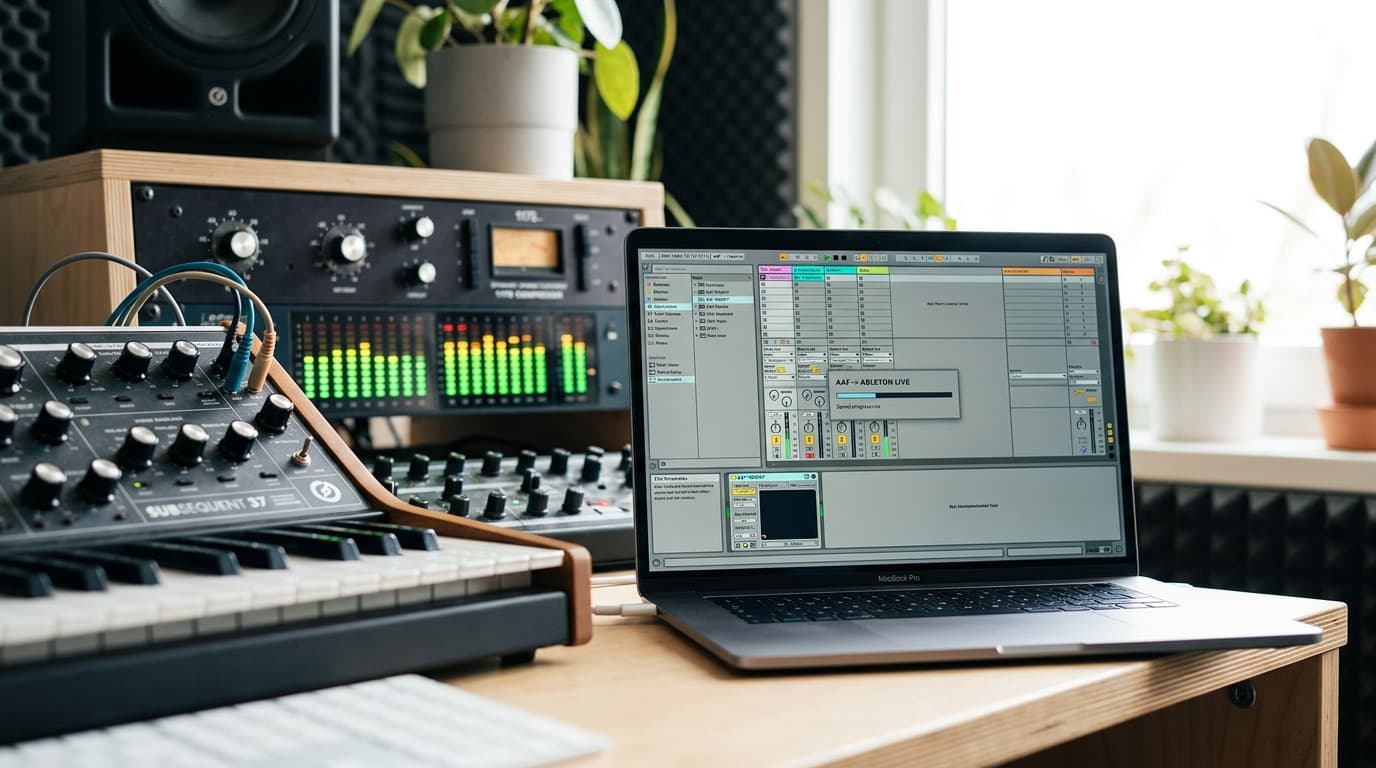
Bridging the Gap Between DAWs with Abletonlive.aaf
Learn more about bugs rust won't catch: beyond memory safety guarantees
Moving projects between digital audio workstations creates headaches for producers and engineers. When you receive an AAF file from a Pro Tools or Media Composer session, importing it into Ableton Live traditionally means hours of manual reconstruction. Abletonlive.aaf changes this workflow entirely by converting AAF files directly into native Ableton Live sessions, preserving your audio regions, timing, and track organization.
This tool solves a real problem for professionals working in post-production, film scoring, and collaborative music production. Instead of dragging individual audio files and recreating arrangements from scratch, you maintain the integrity of complex sessions across different platforms.
What Is Abletonlive.aaf and Why Does It Matter?
Abletonlive.aaf is a specialized conversion utility that translates Advanced Authoring Format files into Ableton Live project files. The AAF format serves as an industry-standard interchange format, commonly used in professional audio and video production environments.
The converter reads AAF metadata including clip positions, track names, fade information, and audio file references. It then generates an Ableton Live Set (.als file) that mirrors the original session structure. This preservation of session data eliminates the tedious process of manually rebuilding projects when collaborating across different DAW platforms.
For producers working in film, television, or advertising, this capability transforms workflows. You receive stems from a Pro Tools mix session and immediately continue working in your preferred Ableton environment without losing hours to file management.
How Does AAF Conversion Streamline Your Workflow?
The traditional method of moving sessions between DAWs involves exporting consolidated audio files, creating a text file with timecode information, and manually placing each clip. This process is error-prone and time-consuming, especially with sessions containing hundreds of audio regions.
Abletonlive.aaf automates this entire process. The software parses the AAF file structure, identifies all audio clips and their properties, then generates corresponding MIDI clips in Ableton that trigger the audio files at the correct positions. Track colors, names, and basic routing information transfer automatically.
The time savings are substantial. A session that might take two hours to manually reconstruct converts in minutes. This efficiency becomes critical when working under tight deadlines or managing multiple projects simultaneously.
What Features Make AAF Conversion Possible?
Abletonlive.aaf includes several features designed specifically for professional audio workflows:
For a deep dive on spacex rocket stage to slam into moon in august 2022, see our full guide
- Automatic audio file linking reconnects media without manual searching
- Timecode preservation ensures sample-accurate positioning across DAWs
- Track structure retention maintains your organizational hierarchy
- Fade and crossfade conversion translates volume automation curves
- Multi-channel audio support handles surround sound and complex routing scenarios
The converter handles both embedded and referenced audio files. When AAF files contain embedded audio, the tool extracts these files to a designated folder. For referenced media, it creates proper file paths that Ableton can follow.
For a deep dive on 34% of hourly workers rely on multiple jobs: employer guide, see our full guide
What Gets Preserved in the Conversion Process?
Understanding what translates successfully helps set realistic expectations. Audio clip positions, lengths, and basic timing information convert with complete accuracy. Track names and basic organizational elements also transfer reliably.
Volume automation and fade curves convert to Ableton's clip envelopes, though complex plugin automation does not translate. This limitation exists because different DAWs use incompatible plugin formats and automation systems. You need to recreate effects processing and detailed automation manually.
Marker information typically converts to Ableton locators, providing navigation points throughout your session. This feature proves invaluable for film scoring work where specific timecode markers indicate scene changes or hit points.
How Do You Set Up Abletonlive.aaf for Your Studio?
The installation process is straightforward but requires attention to file path configuration. After downloading the converter, you specify default locations for audio file storage and converted project files.
The software works as a standalone application rather than a plugin within Ableton. You run the converter before opening Ableton Live, generating a new .als file that you then open in your DAW. This separation ensures stability and prevents conflicts with Ableton's internal processes.
System requirements are minimal since the converter primarily handles text parsing and file management rather than audio processing. Any modern computer running Windows or macOS handles the conversion process efficiently.
How Should You Configure File Paths and Media Management?
Proper file path configuration prevents the common "missing media" problem. When setting up the converter, create a logical folder structure that mirrors your existing project organization.
Many professionals use a dedicated "AAF Conversions" folder with subfolders for each project. The converter can automatically create these subfolders based on the source AAF filename, keeping your media organized and easily accessible.
Ableton's "Collect All and Save" feature works perfectly after conversion. Once you verify that all audio files loaded correctly, use this function to consolidate everything into a single project folder for archiving or sharing.
What Are the Practical Applications Across Different Production Scenarios?
Film composers frequently receive rough cuts with dialogue and temporary music as AAF exports from editing suites. Converting these directly into Ableton Live sessions allows them to score against picture without rebuilding the entire timeline.
Podcast producers working with editors who prefer Pro Tools receive edited episodes as AAF files. After conversion, they add music, sound design, and final polish in Ableton's intuitive environment.
Remix projects often arrive as Pro Tools sessions from major labels. Abletonlive.aaf enables electronic music producers to access these professional stems without learning a new DAW or compromising their creative workflow.
How Does AAF Conversion Enable Collaborative Music Production?
The converter facilitates genuine cross-platform collaboration. A band might track drums and bass in a professional studio using Pro Tools, then have their producer complete the arrangement in Ableton Live at home.
This flexibility extends to educational environments where institutions use different DAW platforms. Students learn on industry-standard Pro Tools systems while developing personal projects in Ableton, moving work between environments as needed.
Post-production houses benefit significantly when audio teams use Pro Tools for dialogue editing while music departments prefer Ableton for composition. The AAF format serves as the common language between these specialized workflows.
What Limitations and Workarounds Should You Consider?
Abletonlive.aaf cannot translate incompatible data types between platforms. Plugin settings, MIDI information, and complex routing configurations do not transfer between DAW platforms due to fundamental architectural differences.
Video files referenced in AAF sessions typically do not import automatically. You need to manually import video into Ableton Live after conversion, then sync it with your audio using timecode or manual alignment.
Some AAF implementations vary between software versions, occasionally causing parsing errors. Keeping both your source DAW and the converter updated minimizes these compatibility issues.
What Are the Best Practices for Smooth Conversions?
Before exporting an AAF file for conversion, consolidate your session and remove unnecessary tracks. This cleanup reduces file size and prevents confusion during the conversion process.
Use descriptive track names in your source session since these names carry over to Ableton. Clear labeling like "Kick Drum" or "Lead Vocal" is more helpful than generic "Audio 1" designations.
Test your conversion workflow with a small session before attempting large, complex projects. This practice run helps you identify potential issues and refine your file management strategy.
Is AAF Conversion Right for Your Production Workflow?
Abletonlive.aaf delivers the most value to professionals regularly receiving sessions from other DAW platforms. If you work exclusively within Ableton's ecosystem, you will not need this specialized tool.
The converter becomes essential for film composers, post-production engineers, and producers collaborating with studios using different software. The time savings and workflow efficiency justify the investment for anyone handling frequent cross-platform projects.
For occasional users, alternative methods like manual import or asking collaborators to provide consolidated audio files might suffice. Evaluate how frequently you encounter AAF files and whether the conversion automation justifies adding another tool to your workflow.
How Can You Maximize Your Investment in Cross-Platform Tools?
Abletonlive.aaf represents a broader trend toward interoperability in professional audio production. As projects become more collaborative and geographically distributed, the ability to work across different platforms becomes increasingly valuable.
The tool works best as part of a comprehensive file management strategy. Combine it with cloud storage solutions, proper session documentation, and clear communication protocols with collaborators.
Staying current with software updates ensures compatibility with the latest AAF specifications and Ableton Live versions. Many conversion issues stem from outdated software rather than fundamental limitations of the conversion process.
How Does Efficient DAW Integration Move Your Production Forward?
Abletonlive.aaf solves a specific but significant problem for modern music producers and audio engineers. By automating the conversion of AAF files into native Ableton Live sessions, it eliminates hours of manual work and enables seamless collaboration across different production platforms.
The tool's value lies in its time savings and preservation of session structure. While it cannot translate every aspect of complex DAW sessions, it handles the fundamental elements that matter most for continuing productive work.
Continue learning: Next, explore nancy guthrie search at chilling turning point
For professionals working at the intersection of different audio production environments, this converter transforms a painful bottleneck into a streamlined process. The ability to accept projects from any AAF-compatible source and immediately begin working in your preferred environment saves valuable studio time.
Related Articles

Transforming Gaza: From Conflict Zone to Tech Hub
A leaked plan from the Trump administration reveals a bold strategy to turn Gaza into a thriving high-tech hub. Discover the potential.
Sep 3, 2025

AI's Role in Unveiling ICE Officers' Identities
AI unmasking ICE officers underscores a shift towards transparent law enforcement, raising questions about privacy and ethics in the digital age.
Sep 2, 2025

Age Verification Laws: Impact on Web Traffic Trends
Discover the paradox of age verification laws: How compliance impacts web traffic and the tech innovations shaping the future of digital content access.
Sep 2, 2025
Comments
Loading comments...