Kubernetes Dashboard is Dead! Embrace Headlamp Now
Kubernetes dashboard is deprecated! Learn about Headlamp, the CNCF project that's replacing it and enhancing your Kubernetes experience.
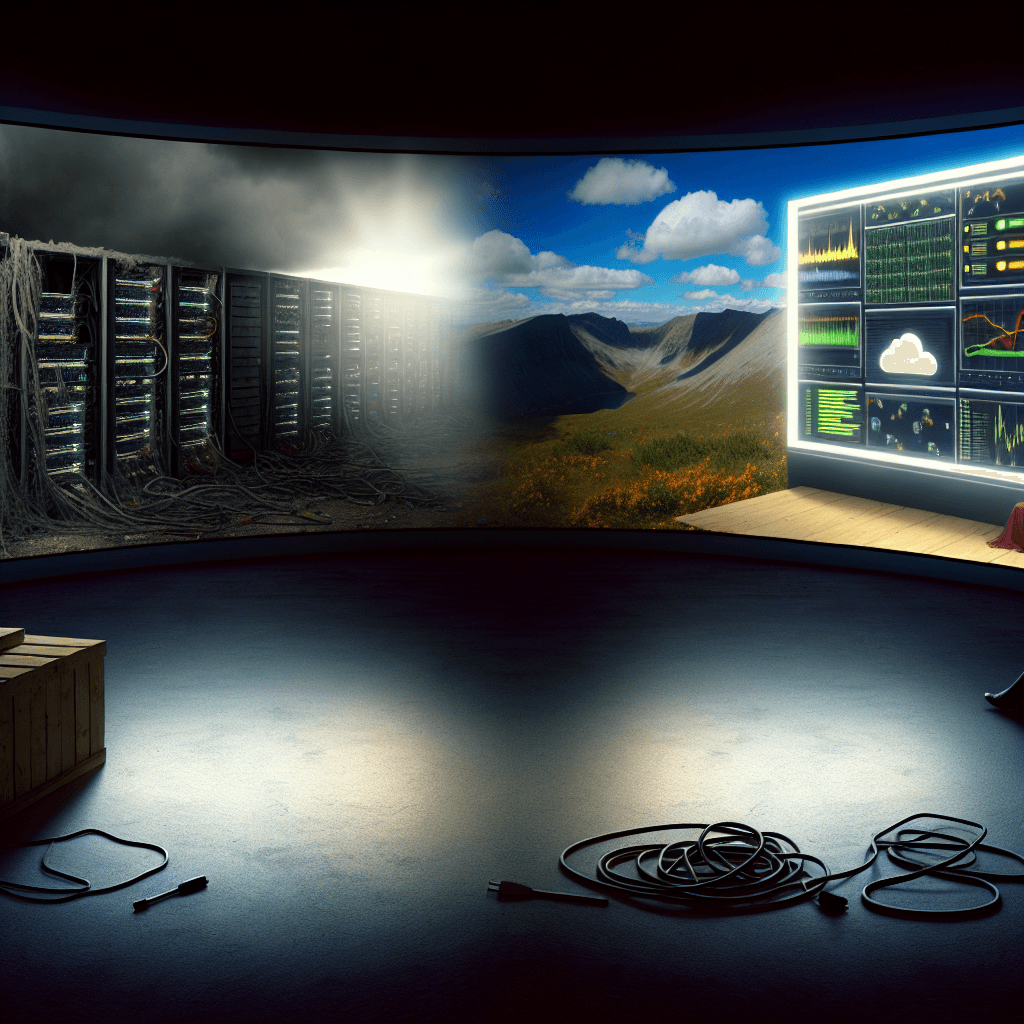
Is the Kubernetes Dashboard Dead? Time to Move On
The Kubernetes dashboard is officially deprecated and no longer maintained. For developers and DevOps professionals, this change is significant. As Kubernetes becomes essential for cloud-native development, using actively supported tools is crucial.
Why Does the Deprecation Matter?
The Kubernetes dashboard provided a user-friendly interface for managing cluster resources. Its discontinuation means developers must adapt quickly or risk falling behind. Fortunately, there’s a robust alternative: Headlamp, a project under the Cloud Native Computing Foundation (CNCF).
Why Choose Headlamp for Kubernetes Management?
Headlamp offers a modern, extensible interface for managing Kubernetes clusters. Unlike the deprecated dashboard, Headlamp is actively maintained and continuously enhanced by a community of developers. It addresses many shortcomings of the Kubernetes dashboard, making it an ideal replacement.
Here are a few compelling reasons to consider Headlamp:
- Active Development: Enjoy regular updates and community support.
- User-Focused Design: Tailored for both newcomers and seasoned professionals.
- Extensible Architecture: Easily add plugins and customize features to meet your needs.
What Features Does Headlamp Offer?
Headlamp is packed with features that enhance usability and functionality. Here are some key highlights:
- Real-time Monitoring: Observe cluster metrics and logs in real time.
- Resource Management: Effortlessly manage deployments, services, and pods.
- Role-Based Access Control (RBAC): Secure your clusters with fine-grained access controls.
How Do You Install Headlamp?
Installing Headlamp is straightforward. Follow this quick guide to get started:
- Install Headlamp CLI: Use the command line to install with
npm install -g @headlamp/headlamp-cli. - Run Headlamp: Start the application using
headlampin your terminal. - Connect to Your Cluster: Enter your Kubernetes context or use kubeconfig to connect.
This process will get you up and running with Headlamp quickly. The intuitive interface will help you navigate your resources efficiently.
How Can You Migrate from the Kubernetes Dashboard to Headlamp?
Transitioning from the Kubernetes dashboard to Headlamp may seem daunting, but the process is manageable. Here are steps to ensure a smooth migration:
- Familiarize Yourself with Headlamp: Explore the interface and features.
- Check Your Existing Configurations: Ensure your current Kubernetes settings are compatible.
- Train Your Team: Encourage your team to adopt Headlamp through training sessions or workshops.
Frequently Asked Questions
What is the Future of the Kubernetes Dashboard?
The Kubernetes dashboard has reached its end of life. Users should migrate to supported alternatives like Headlamp.
Can I Customize Headlamp?
Yes, Headlamp supports plugins and extensions, allowing you to tailor the dashboard to your needs.
Is Headlamp Suitable for Beginners?
Absolutely! Its user-friendly interface makes it accessible to developers of all skill levels.
Conclusion: Embrace the Change to Headlamp
The deprecation of the Kubernetes dashboard marks a pivotal moment for Kubernetes users. With the rise of Headlamp, developers have a powerful, actively maintained alternative. Transitioning to Headlamp not only future-proofs your development environment but also enhances your ability to manage Kubernetes clusters effectively.
Embrace this change and leverage Headlamp to streamline your Kubernetes experience. While the shift may seem challenging, the benefits are clear and substantial.
Related Articles
Mastering MCP Elicitation for Enhanced AI Interactions
Discover the power of MCP elicitation in creating seamless AI interactions, from streamlining development to improving user satisfaction.
Sep 10, 2025
How to Use Claude Code Subagents to Parallelize Development
Learn how to enhance your development workflow using Claude Code Subagents. This guide provides practical examples for parallelizing coding tasks.
Sep 13, 2025

Unlocking ChatGPT Developer Mode: Full MCP Client Access
Unlock the power of ChatGPT Developer Mode with full MCP client access. Discover how to enhance your coding projects and streamline development.
Sep 11, 2025